Sample illustration
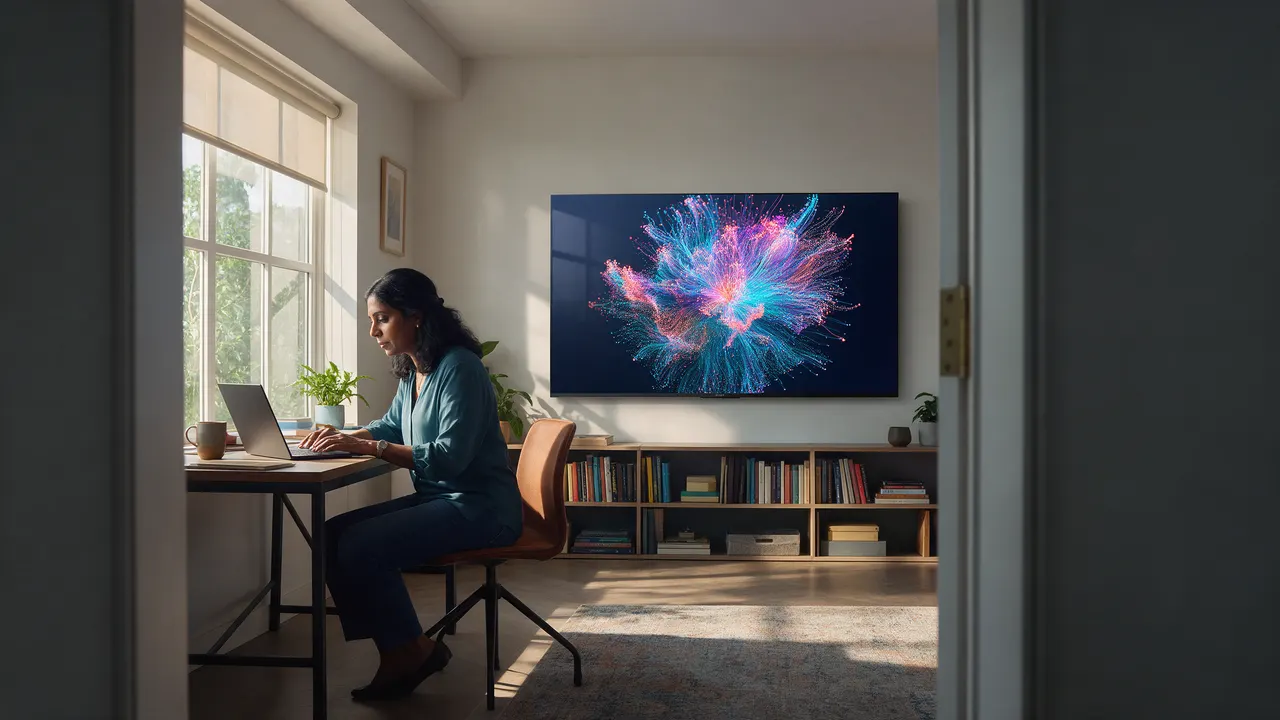
At Home
Your TV, your data.
Living art on the set you already have. Ready-made channels, picked from your phone.
How it works
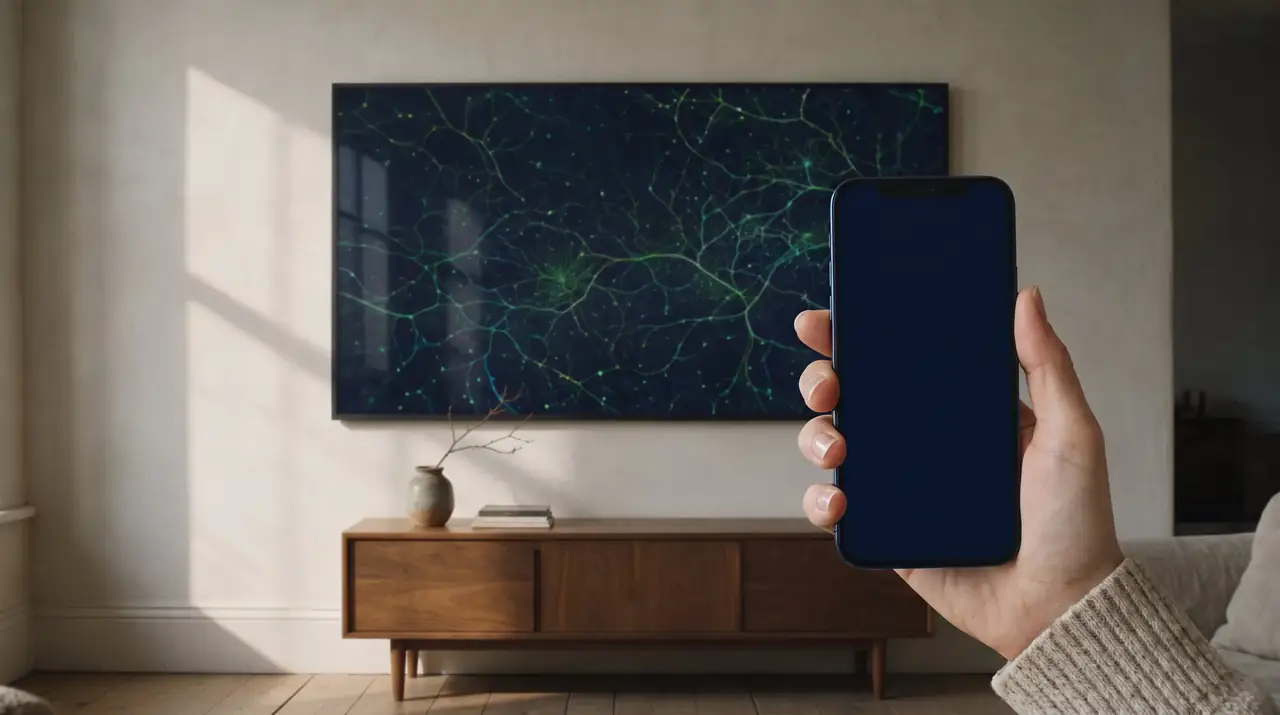
Your data, as art, on the TV you already have. The picture breathes. One tap, and you see what it noticed.
Sample illustration
Thesis
The working thesis, in full: AI art sets the look, code makes it breathe, live data drives it, and when something gets out of whack, the art changes. The change is where the cause is. Tempo, density and warmth move inside the picture.
An even field, with nothing out of place, is only a poster. The picture has to carry one thing the eye can find.
A photograph on a wall is static. A Reticular picture is live: the same glass, moving when the day does. When something gets out of whack, the art changes.
How it works
None of them asks you to read a chart.
A feed you pick, like the weather or the satellites overhead, keeps arriving. You never see it as a list.
A picture chosen in Studio turns that stream into shape, colour and motion. Calm, by default.
If a number gets out of whack, the picture shifts where it happened. One tap on your phone shows the plain facts.
Sample · calm

Sample · out of whack

One press
On the Remote the switch is named Context data. Off is the picture: no words. On is the report: a few large numbers. Same channel, same data, one press. The numbers are counted from the picture, not typed beside it.
One press takes the wall from a zen lazy river to a serious-ass report. That line is CJ’s. He calls the press the gold. Try it on the home picture: it is a simulation, and the report updates from the drawing.
Where it lives
Sample illustration
At Home
Living art on the set you already have. Ready-made channels, picked from your phone.
Sample illustration
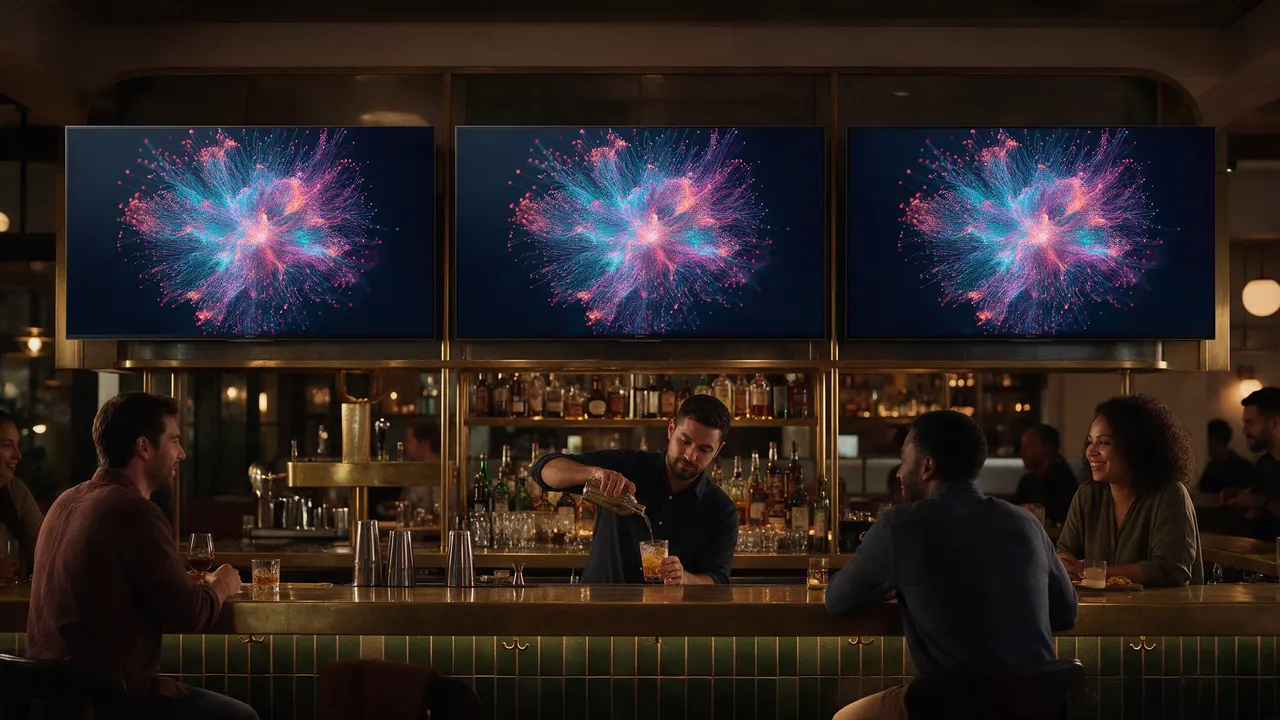
On Location
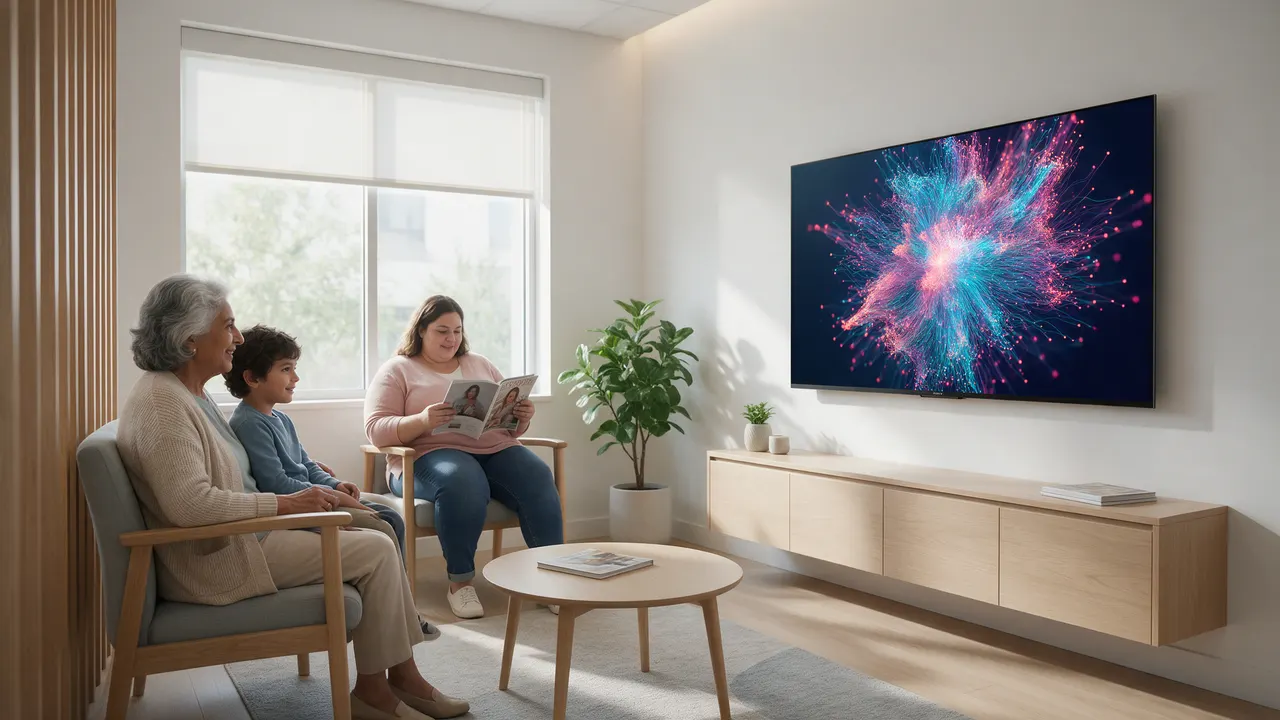
Lobbies, bars, waiting rooms and classrooms. You run the hours from your phone.
Sample illustration
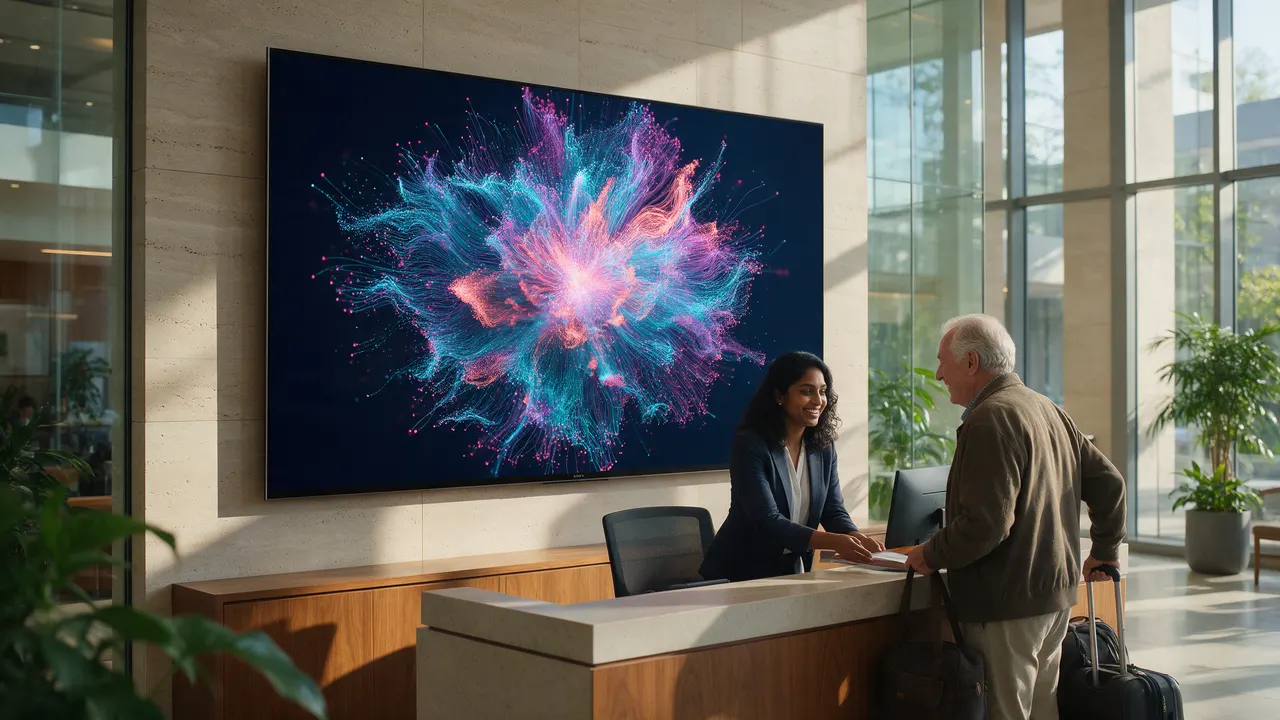
Mesh Network
Every site, every screen, one picture of how the whole place is doing.
Learn moreYour TV, your data, on the set you already have.
One price for the place. You run the hours from your phone.
One living picture of the operation, across every site.
At Home
You pick from feeds we already have. You do not connect a tool to try a picture. The wall stays calm. You glance. You notice. The art does not diagnose, and it does not keep a score.
A day Fictional
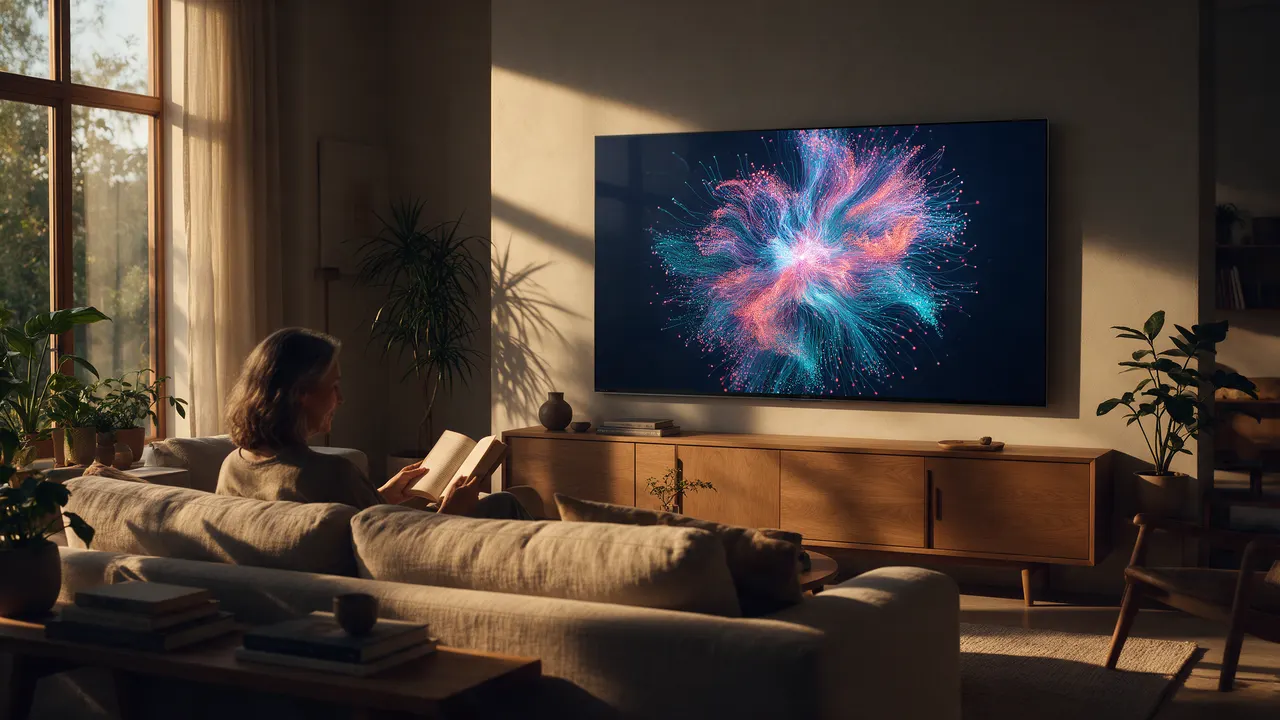
Donna is not a customer. Late sixties, a condo, a large set in the living room and a smaller one in the bedroom. The morning programs end. The living room drifts into a tide piece. At four the colours cool, because rain is coming where her daughter lives. She taps once, sees the forecast, and texts her. Nothing on the wall was a sentence. Something was noticed. She never connects a tool. She picks three of our feeds.
Sample
Sample
Sample
On Location
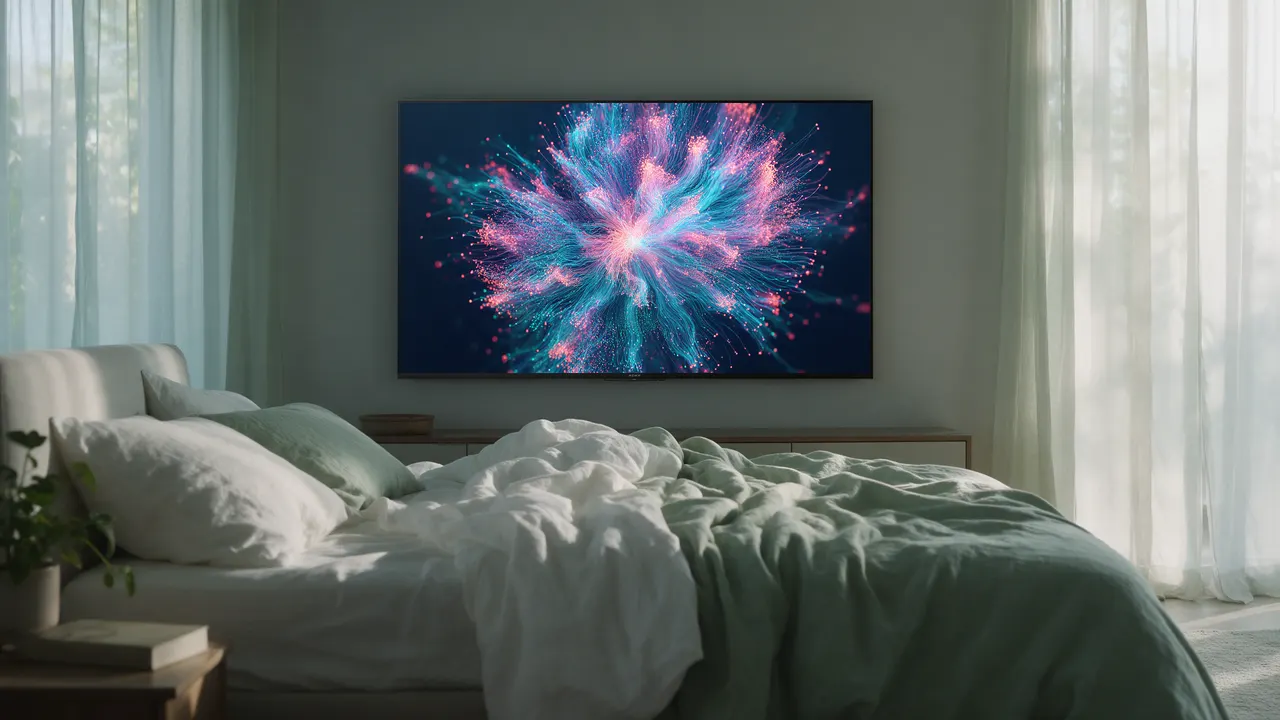
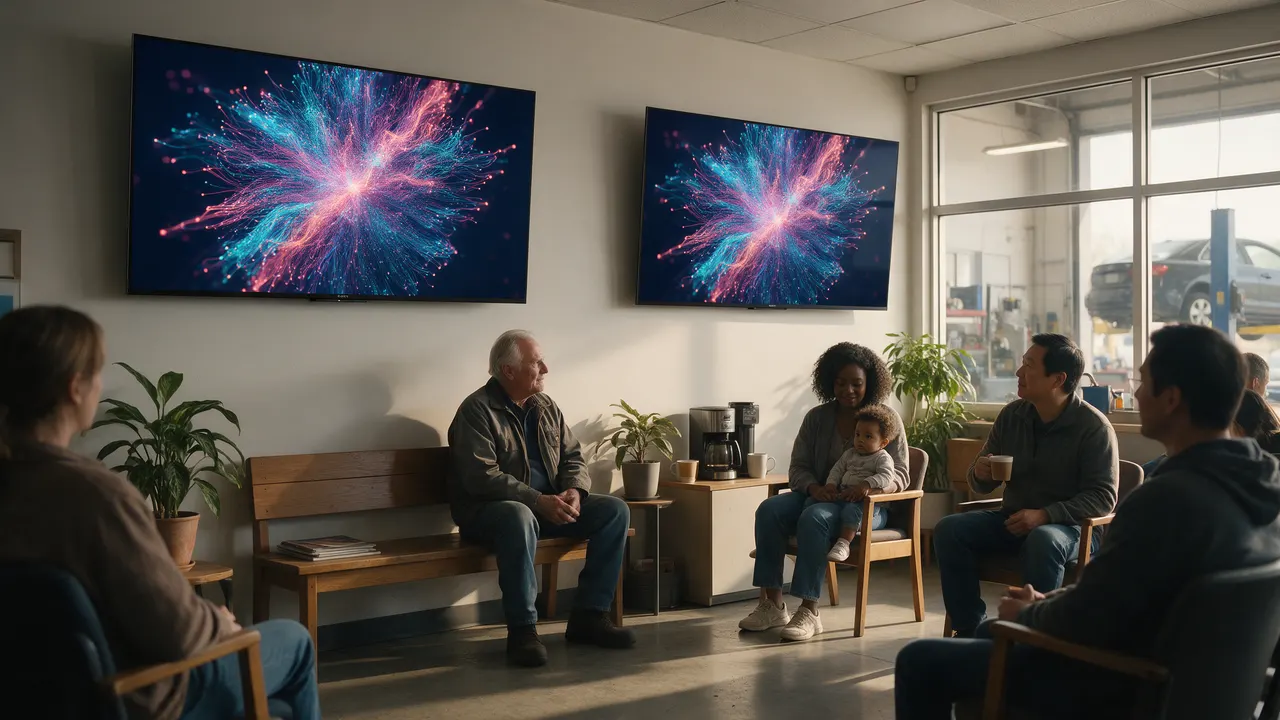
Strangers look at the screen, so this is not a living room. The lobby, the bar, and the dining room can each carry the hour. You run it from your phone. We can build the first pieces.
A day Fictional
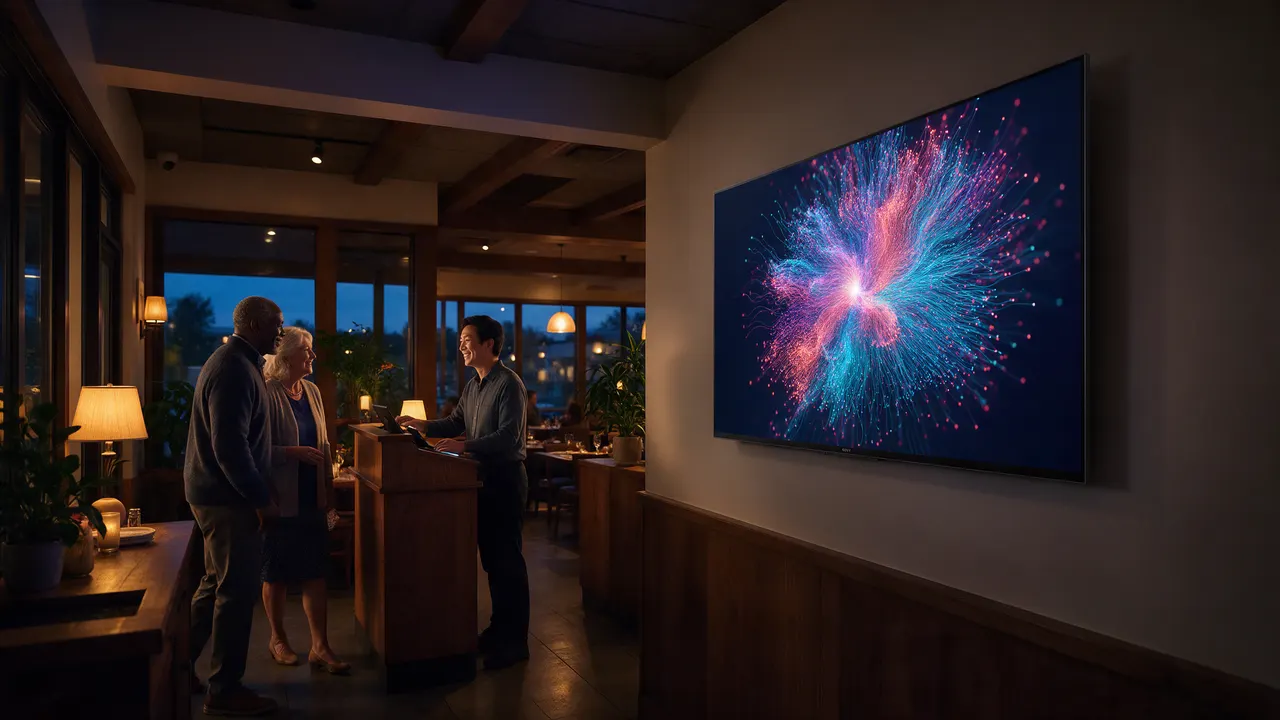
Jimmy is not a customer. He runs an upscale Mediterranean room in Miami, seven sets in three zones. At eleven the lobby carries lunch, as a picture. At half past five the bar shifts to the drinks list. At eight the dining room is his hometown’s coastline, moving so slowly nobody notices, except the host, who sees the lobby piece brighten because the waitlist passed twenty. On Saturday he changes the wine list from his phone, in the car.
Sample
Sample
Sample
Sample
Lunch, until half past five
Eleven in the morning, the lobby carries lunch. Half past five, the bar shifts to the drinks list. Eight, the dining room is a coastline, moving so slowly the room does not notice. The host does: the lobby piece brightens when the waitlist passes twenty.
Start opens the look picker in the Studio. It does not charge. Have us build it is the producer offer, and it is not open.
Mesh Network
More than one address, or a live stream of your own with a line it should not cross, or more than one person who needs a role. The lobby stays a brand presence. Exceptions show up in the art. Someone whose job it is can notice.
A day Fictional
Bev is not a customer. She runs operations for a transport company in four countries, with a set in each lobby. At 07:40 in Rotterdam the fleet piece is the usual slow weave. At 14:10 in Miami one strand has gone still and warm for six days. A visitor sees a striking piece. Her director sees vessel 45 and is already on the phone. Her directs flip their own sets to the data. The lobby never does. She did not buy a wall. It was already there.
Sample
Sample
Sample
The same picture, read
Vessel 45
One strand, still and warm for six days. A visitor sees the picture. The person who runs the site sees the name.
Sample. Not a live fleet, and not a warning light. The warm strand is inside the picture.
A visitor sees a striking piece. The person who runs that site sees which part went still. One tap from the phone flips their own set to the data. The lobby does not flip.
A pilot is a conversation. This page does not start one.
Setup Agreed, not verified as shipped
This is the shape agreed in September. It has not been re-measured at the mailbox, so this page does not count the emails. No time is claimed.
Sign-up is not open yet. Notify me when it opens.
You verify an email. The link opens a page, and the pay step is that page. You do not type a password. A code does not travel in the mail.
The activation mail carries a link to the console, a QR that points at the console, and an Add a screen step. One door. No address is a file name.
The console gives one short address for the television, six characters. You type it on the set. Upper case is fine.
On the office set, a Google TV: press Home, open Apps, and open the web browser. It is an app, easy to miss if you look for a button on the picture. Choose the address bar. Type the short address with the on-screen keyboard. You do not type a key on the television. Other sets are untested.
The phone approves the television. The confirm screen names the company. Nothing paints until an owner approves. Then that phone is the Remote, or you open the Remote from the console.
1 · The address
The browser’s address bar.
reticular.tv/t/······
Sample. Not a code that works.
Your email
Type your email. A verification link comes back to that address.
Sample. This screen does not ask for a password.
2 · Approve
Nothing paints until the phone approves.
Sample. You do not type a key here.
Approve this TV
The confirm screen names the company. Nothing paints until you approve.
Sample. Not a live approval.
You do not type a key on the television. After Approve, this phone is the Remote.
3 · The picture
Reticular Remote
Office
Now showing: As Above, So Below
View
Context data
Motion
Connected
You open the console from the link or the QR. You do not type a code. The screen you approved is listed there, with its name and whether it is connected. Open Remote on that screen makes this phone the remote. The phone that tapped Approve already is.
The same television comes back as the same screen. The office set is a 43-inch Sony Bravia on Google TV.
Screens
Office
Naples
A Remote is only this account. It opens here, or it is the phone that tapped Approve.
Channels and data
The guide lists what this account can show. Out of the box: Heads Up, Global Events, Demo, and the packaged channels installed with the software. Oura sits on Programming, and it is demo data. Connect your own sources is coming. Custom Programming is empty.
Heads Up uses a ZIP you set in the console: where this Reticular is, used for Heads Up, no tracking. With Context data off, that place is not written on the glass.
A channel does not fetch the network itself. It runs sealed. The relay feeds it. The artists page names how a picture takes data. A live feed of their own is not built. To try a picture against a sample source, open Studio.
A lineup can play an ordered list of channels for one part of the day, then return to the channel you stored. The console button is still labeled Window. Full dayparting is coming. A lineup has not been left running on the production wall.
Whose data
A screen belongs to the account that approved it. The remote is held only by a person signed in to that account. Health and other personal streams, when they exist, are the owner’s. The art can reflect them. It does not diagnose, and it does not advise.
While the wall is running, Reticular itself writes nothing on the glass. “Motion paused” can show if you paused from the remote. “Reconnecting…” can show after 20 seconds without the relay.
So far
Measured
Under 2 s
From a tap on the phone to our first wall. About half a second was typical. Measured 14 July 2026, not timed on the panel itself.
Measured
About 60 fps
As Above, So Below on the office Bravia, for about a minute, 1 and 2 October 2026. One minute on one set.
Placeholder
A quote, later
No pilot site has given us a quote yet. When one does, it goes here with their name, and not before.
Money and a trial Proposed
Service Plans carries a rough model: a household price, a price for the place, and a quoted operation. Plan names there are placeholders. None of it is a rate you can be charged today. The relay’s default licence allows two screens, so a new install is not “one screen free.” People who make the pictures are on Artists.
Sign-up through to a wall has been walked once, by us, on the office Bravia, with a sandbox payment. No live charge has been taken.
A trial is written as policy for a later phase: two weeks, five walls, day 0 is the first picture, one 30-minute call, check-ins on day 7 and day 14. It is not open.